Sessions that survive the day
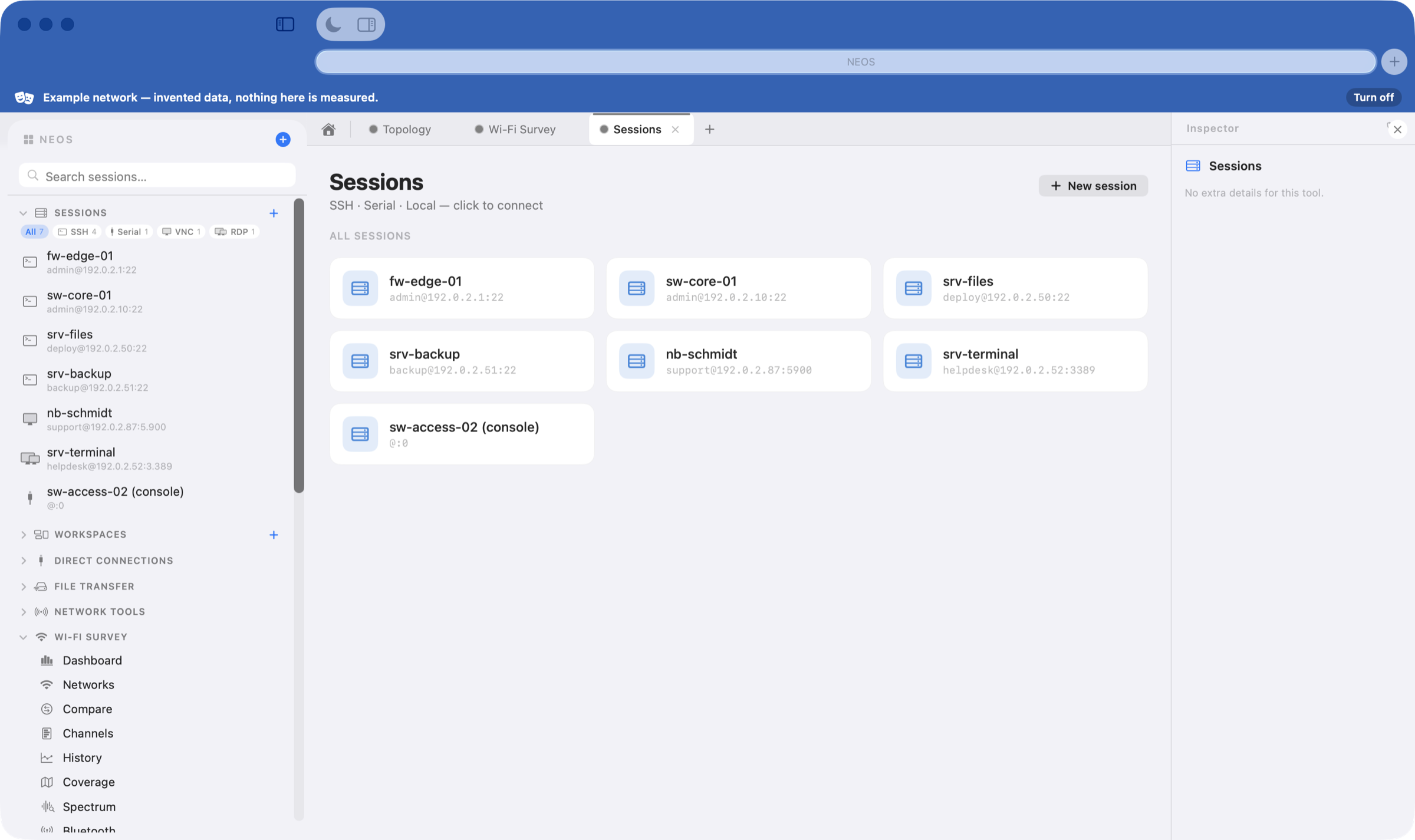
SSH, serial console and local shells in tabs and splits, grouped into workspaces. Reconnect, broadcast to several devices at once, search the scrollback.
NEOS — Network Engineer Operating Suite — is a native macOS application that replaces the pile of terminals, browser tabs, scanners and one-off utilities a network day usually takes. Written in Swift, signed and notarised, and it works offline.
Free for 14 days · no account, no sign-up
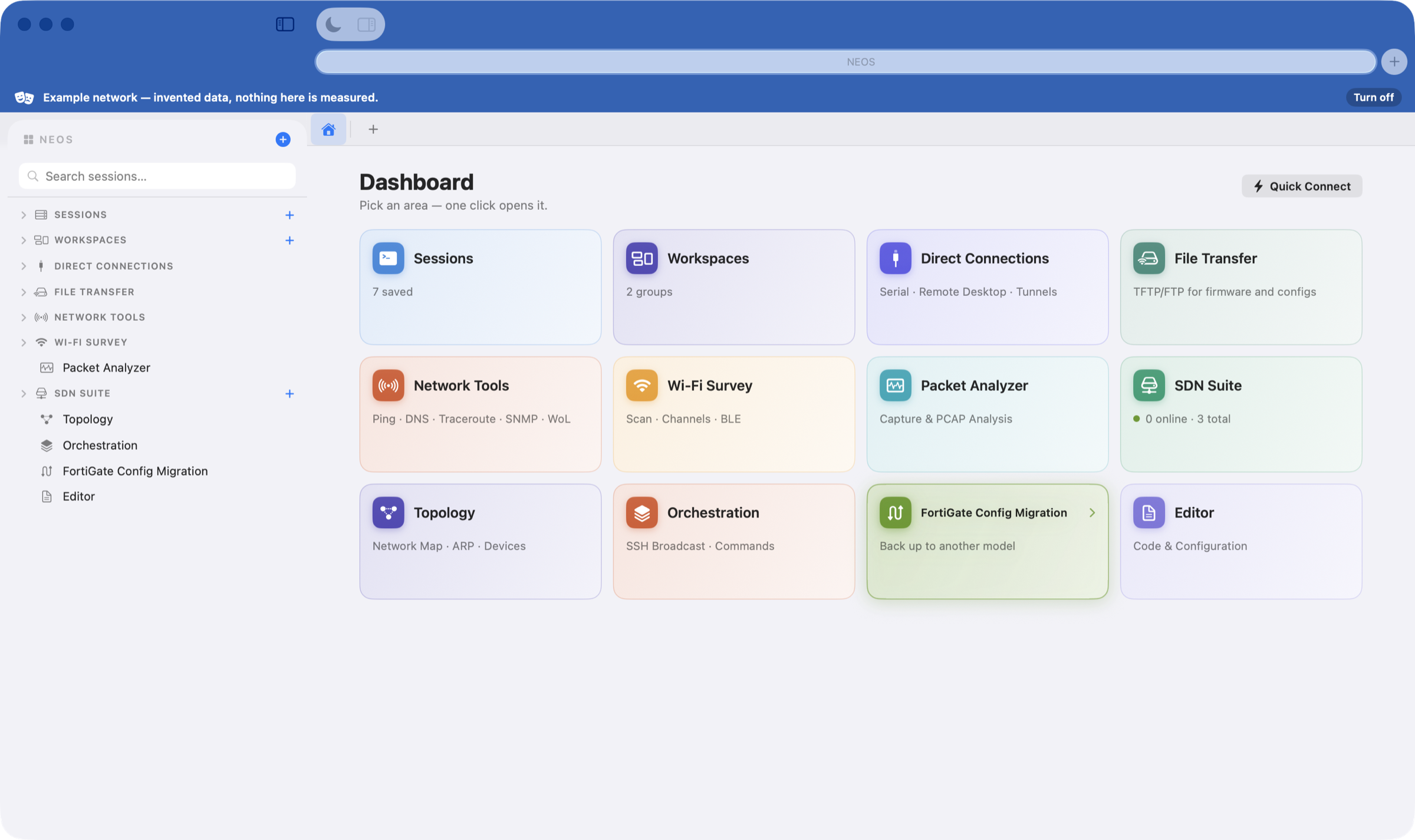
A network engineer's day is spread across a terminal, a vendor web UI, a Wi-Fi scanner, a packet capture, a file server for the firmware and a text editor for the config. NEOS puts them in one window that keeps its state — so the session you had open an hour ago is still there, with its scrollback.
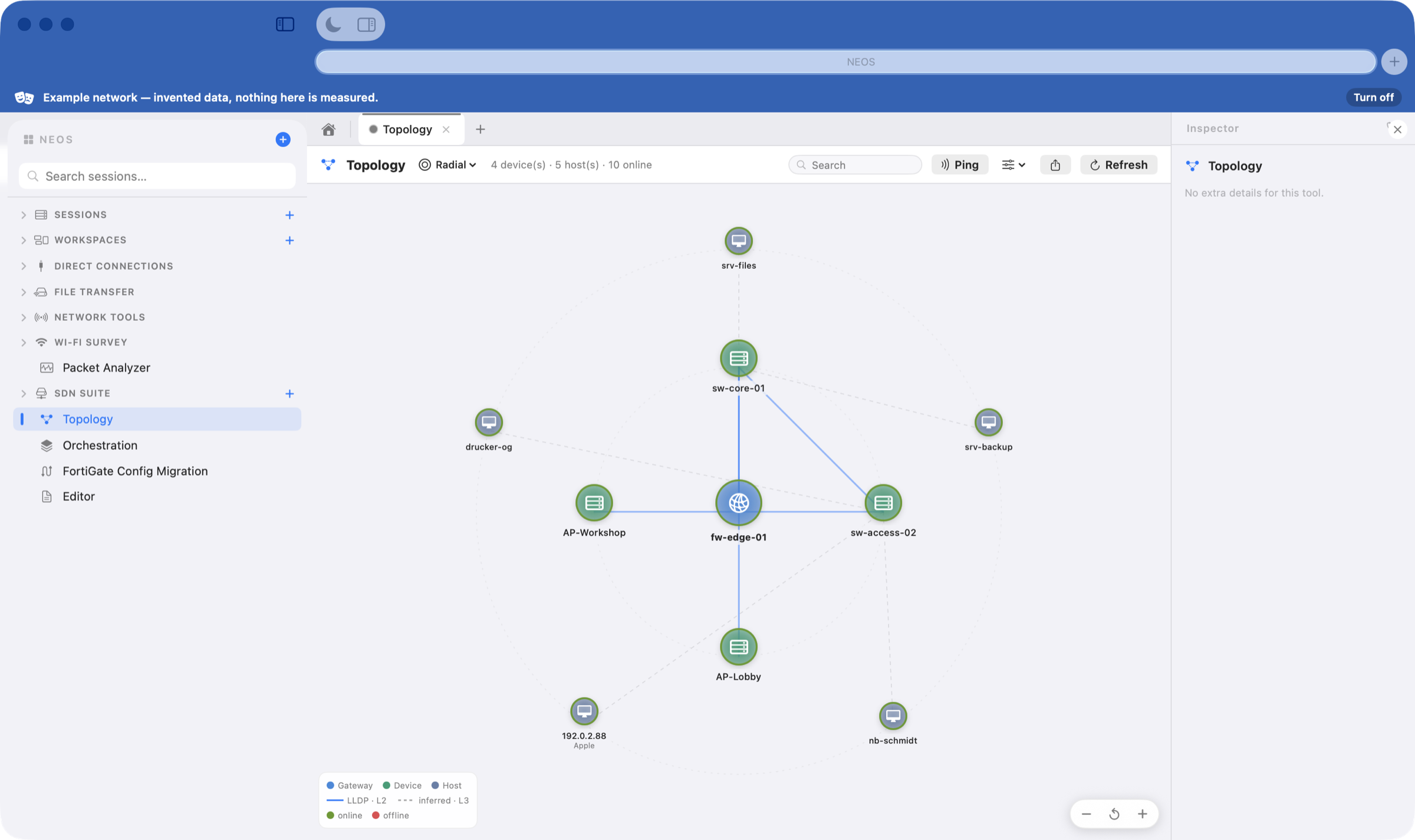
The topology map is built from what is actually there: ARP, the gateway, LLDP neighbours and the devices you manage. Links come from real neighbour data, not guessed from the subnet — and you can ping any node straight from the map.
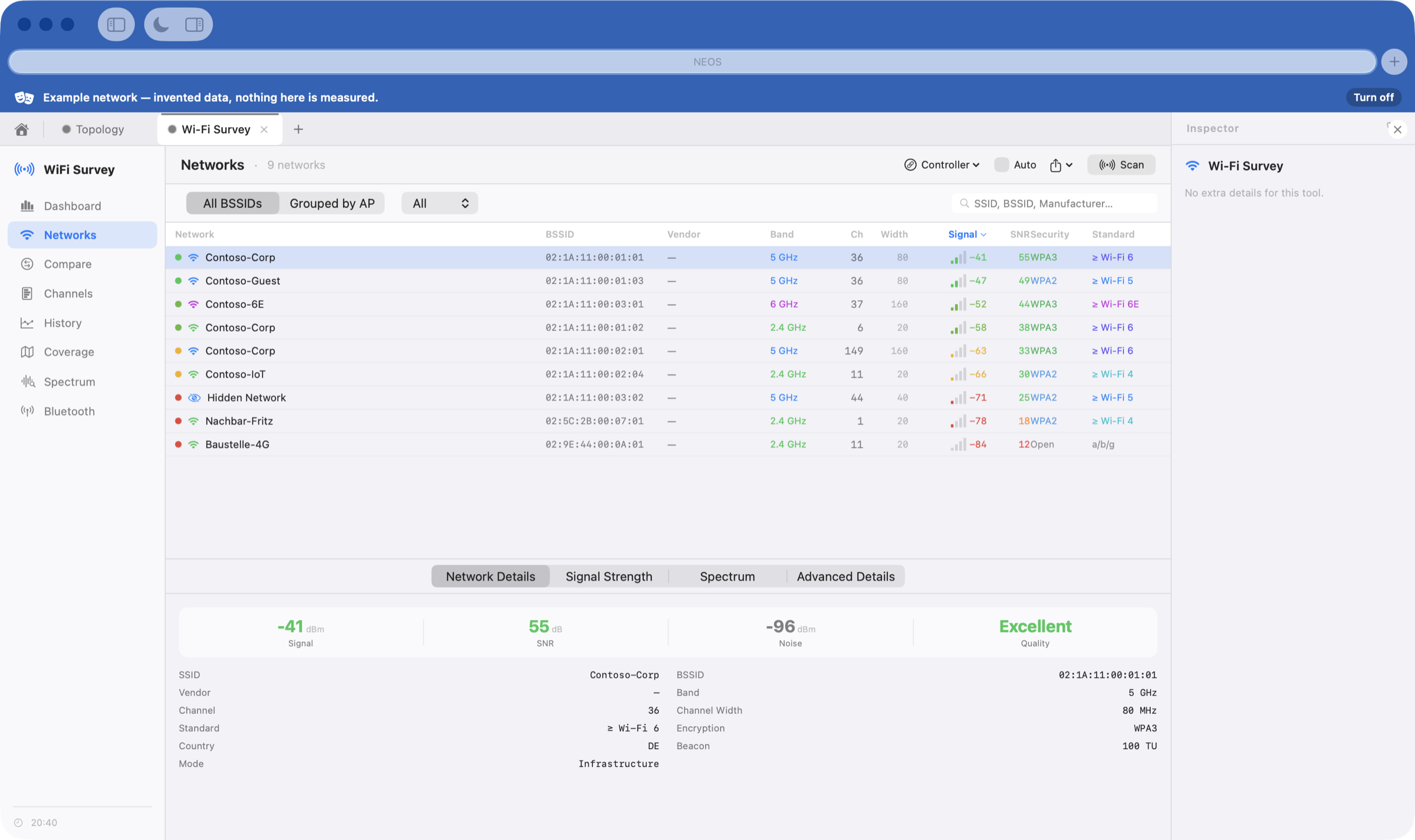
Scan the surrounding networks, watch the link live at one-second resolution, and put measured signal strength on your own floor plan. Measured, not modelled — with a predictive overlay when you want to compare the two.
Sessions keep their state and their scrollback, so the one you opened an hour ago is still where you left it. Credentials live in the macOS keychain — never in a config file, never in a sync folder.
Files without a second app: drag between the two panes of the SFTP browser, or open a remote config in the editor and save it back over the same connection. No mounting, no temporary copies left behind in a downloads folder.
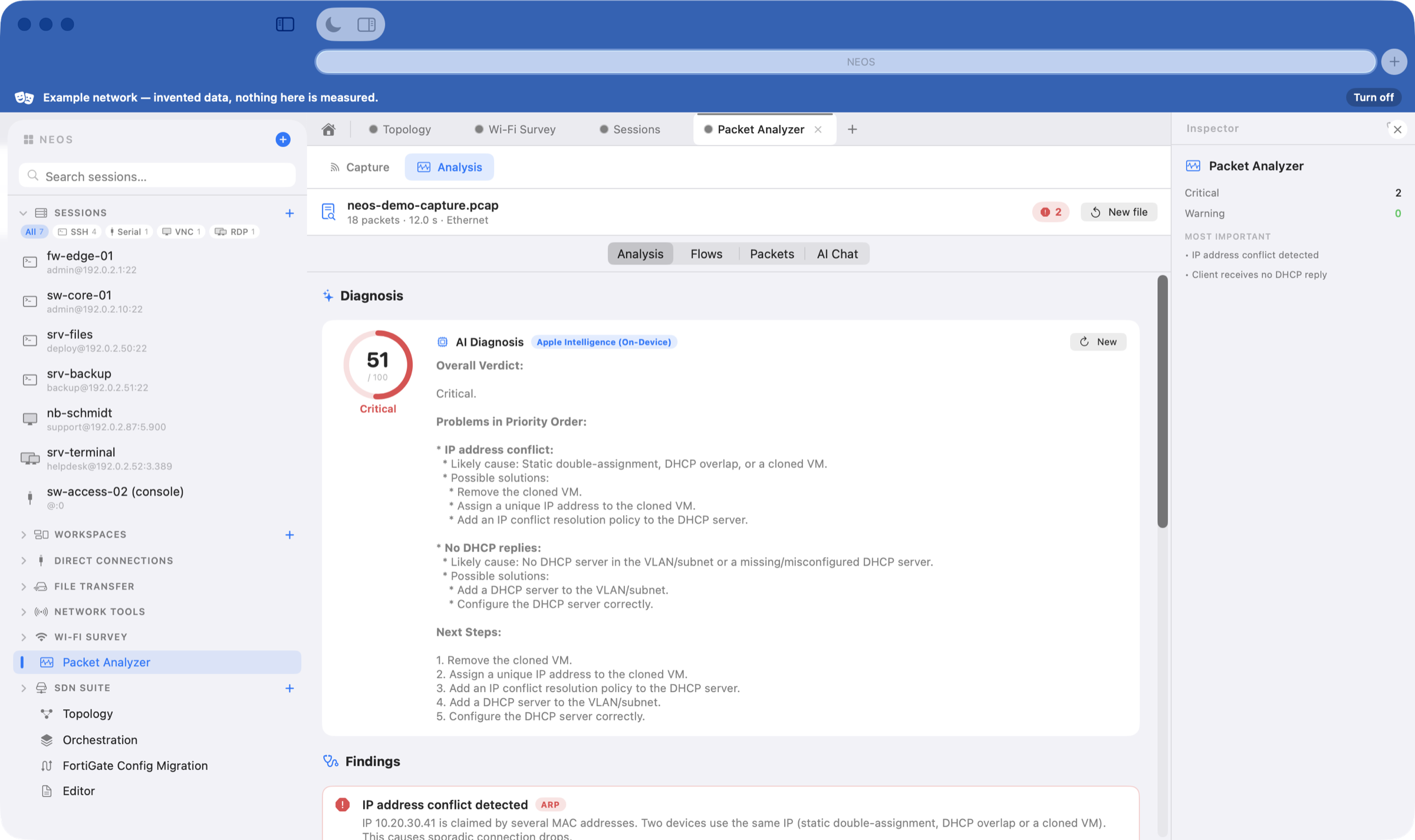
Record on any interface or open a PCAP, and NEOS looks for the things that actually break networks — duplicate addresses, retransmissions, DHCP that never answers, DNS that times out — before you start reading packets yourself.
Every one of these is a full area of the app, not a checkbox.
SSH, serial console and local shells in tabs and splits, grouped into workspaces. Reconnect, broadcast to several devices at once, search the scrollback.
FortiGate, UniFi and MikroTik over their APIs — interfaces, policies, VPNs, sessions and health, without a browser tab per box.
Local and dynamic SOCKS port forwarding over a session that already works, plus a built-in VNC viewer and launchers for RDP and X11.
NEOS serves TFTP and FTP for firmware and configs, and browses the device over SFTP/SCP — no second tool for the upgrade window.
Ping, DNS, traceroute, port scan, Wake-on-LAN, SNMP with a MIB browser, iperf3 throughput — in one place, with readable output.
Open a config straight off the device over SFTP, edit it with syntax colouring that recognises FortiOS and extensionless files, save it back.
Send one command to many devices, or run a saved pipeline across them and keep the output side by side.
Reachability, tunnels and security posture over time, with notifications when something changes — while the window is closed.
One switch masks names, addresses, MAC addresses and SSIDs everywhere — for a customer presentation, a screenshot or a bug report. An example network is built in for demos and training.
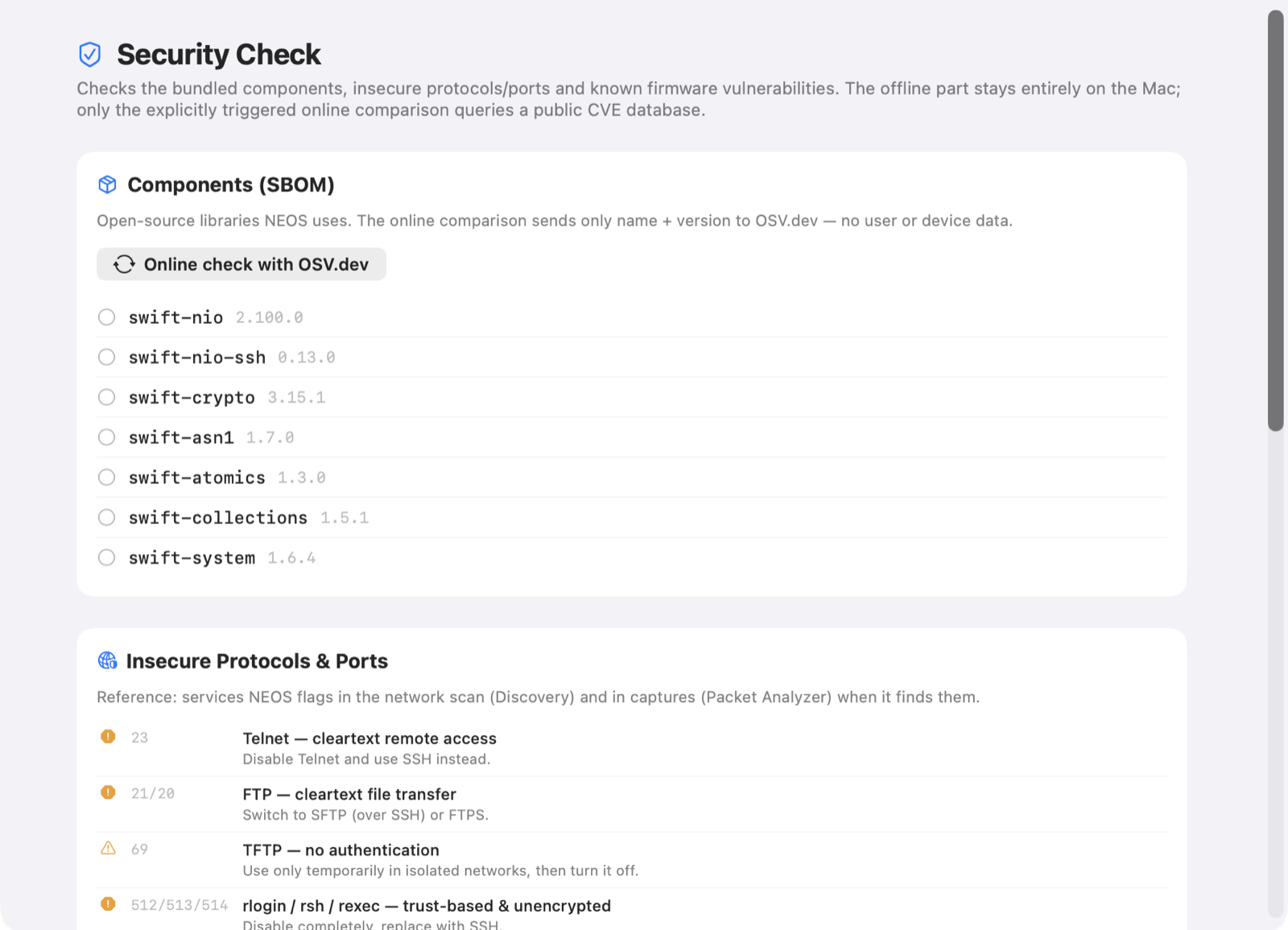
NEOS is a tool for infrastructure people, so it is built to be defensible when someone asks what it does with their data. The answer is: nothing you did not ask for.
One switch masks device and session names, addresses, MAC addresses and SSIDs everywhere NEOS draws them — including window titles, exports and the clipboard. It is display only: nothing stored changes, and switching back brings the real values straight up again. Within a session the masking stays consistent, so a topology map still reads as a map; addresses land in the ranges reserved for documentation but keep their subnet grouping, so the.1 is still recognisably the gateway.
The help page names what is not masked, too — because a privacy feature you have to guess about is worse than none.
Download the disk image, drag NEOS into your Applications folder, and it runs for 14 days without an account or a key. Requires macOS 15 or newer.